Cortana is Microsoft’s personal digital assistant. In July 2014 Xbox assembled a cross-discipline team to look at how we could bring her to the console. I was the lead designer.
Cortana as shipped with Windows and Phone had an emphasize on productivity. The leadership was not super enthusiastic about the product at the time; they saw Cortana integration as a tax to pay to be part of the Windows family. From the start the team focused on identifying opportunities in marrying Cortana and the entertainment space. We met daily, filled a wall with sketches and stickers, looking for the magic story.
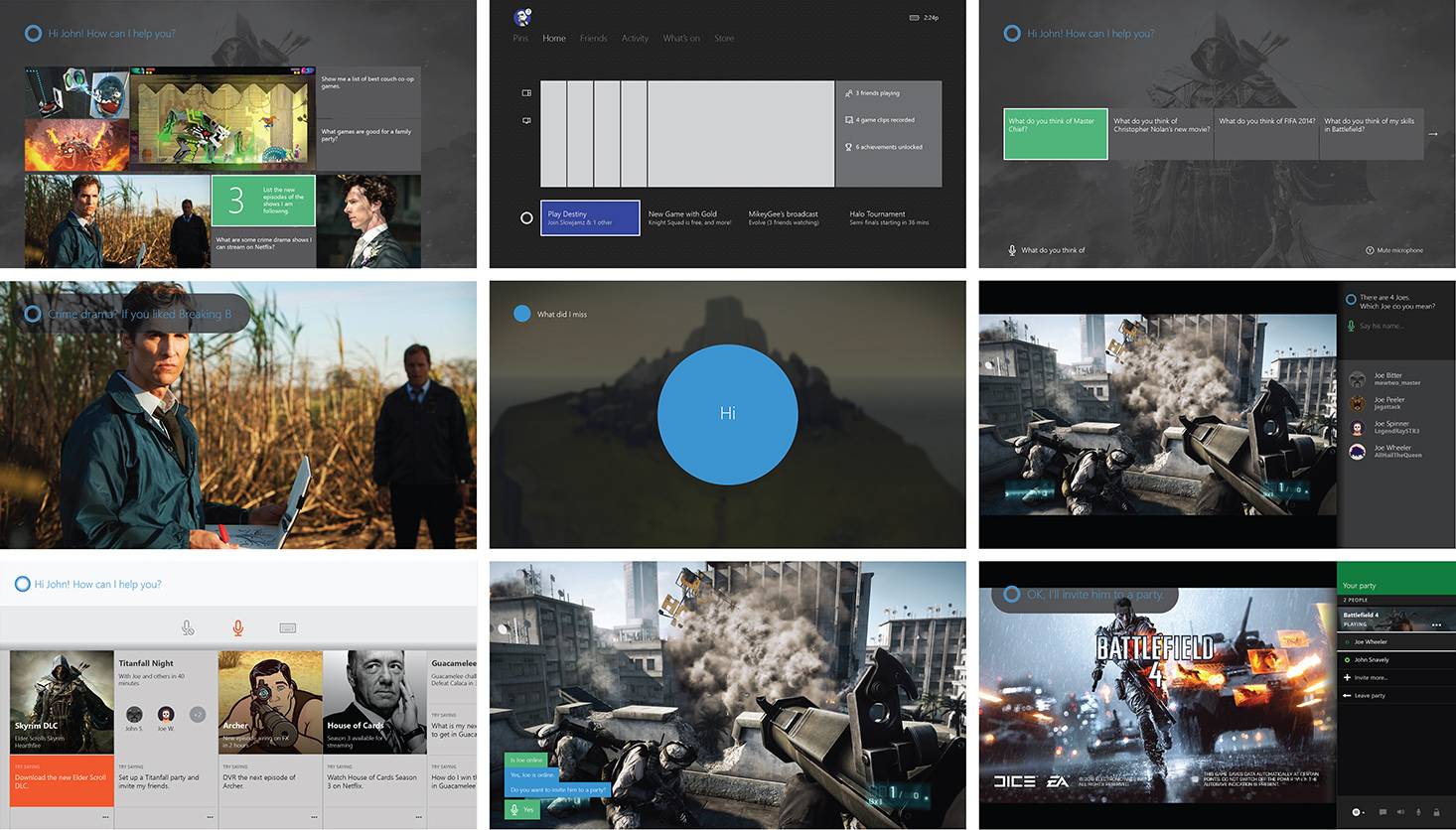
Soon we scoped down to two areas of interest:
- Cortana is my co-pilot in gaming. She resumes her original role in Halo by connecting with Xbox Live. She knows what’s going on in a game, and allows me to command secondary tasks hands-free.
- Cortana guides me through the sea of content. She reminds me of things I missed, and recommends movies and TV that I’d like.
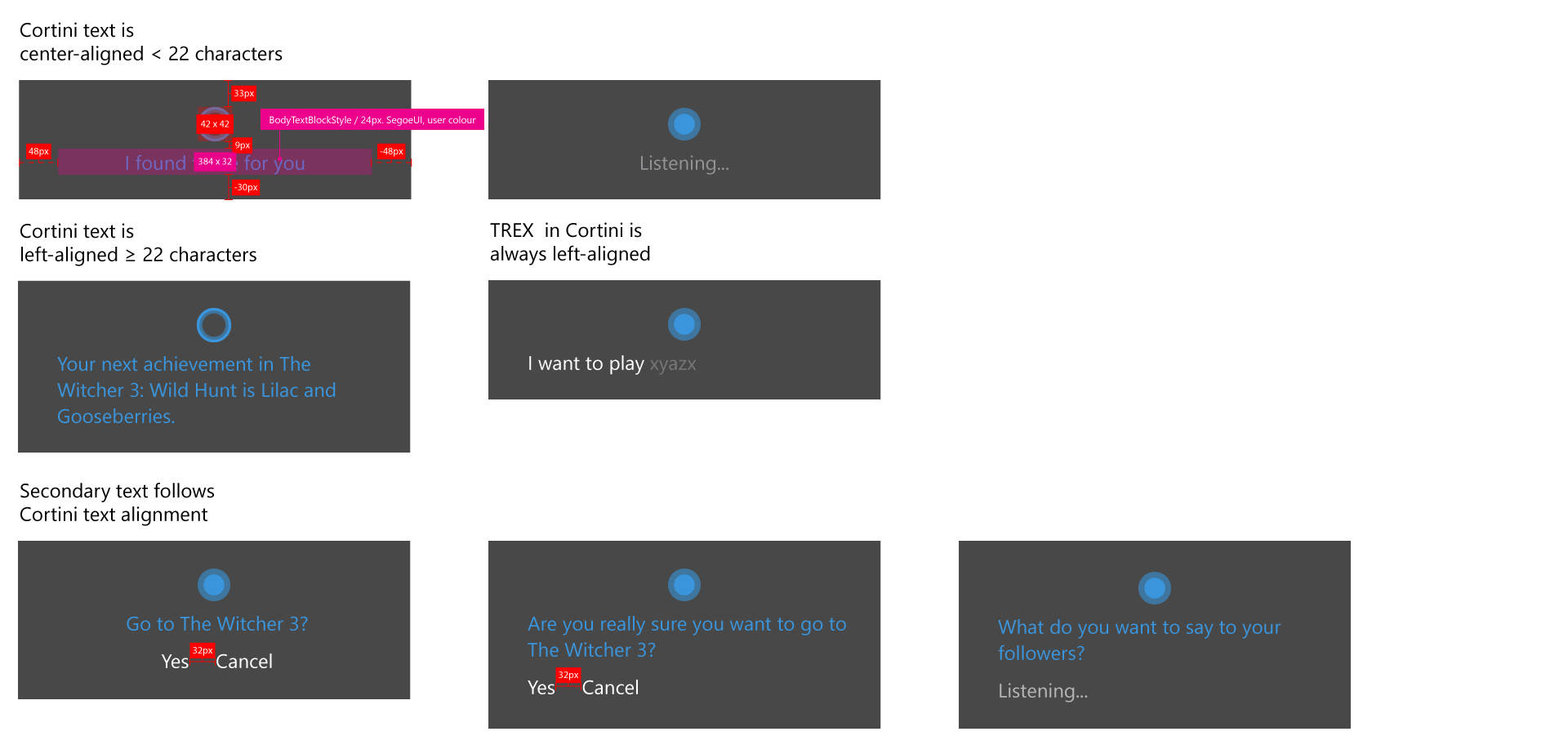
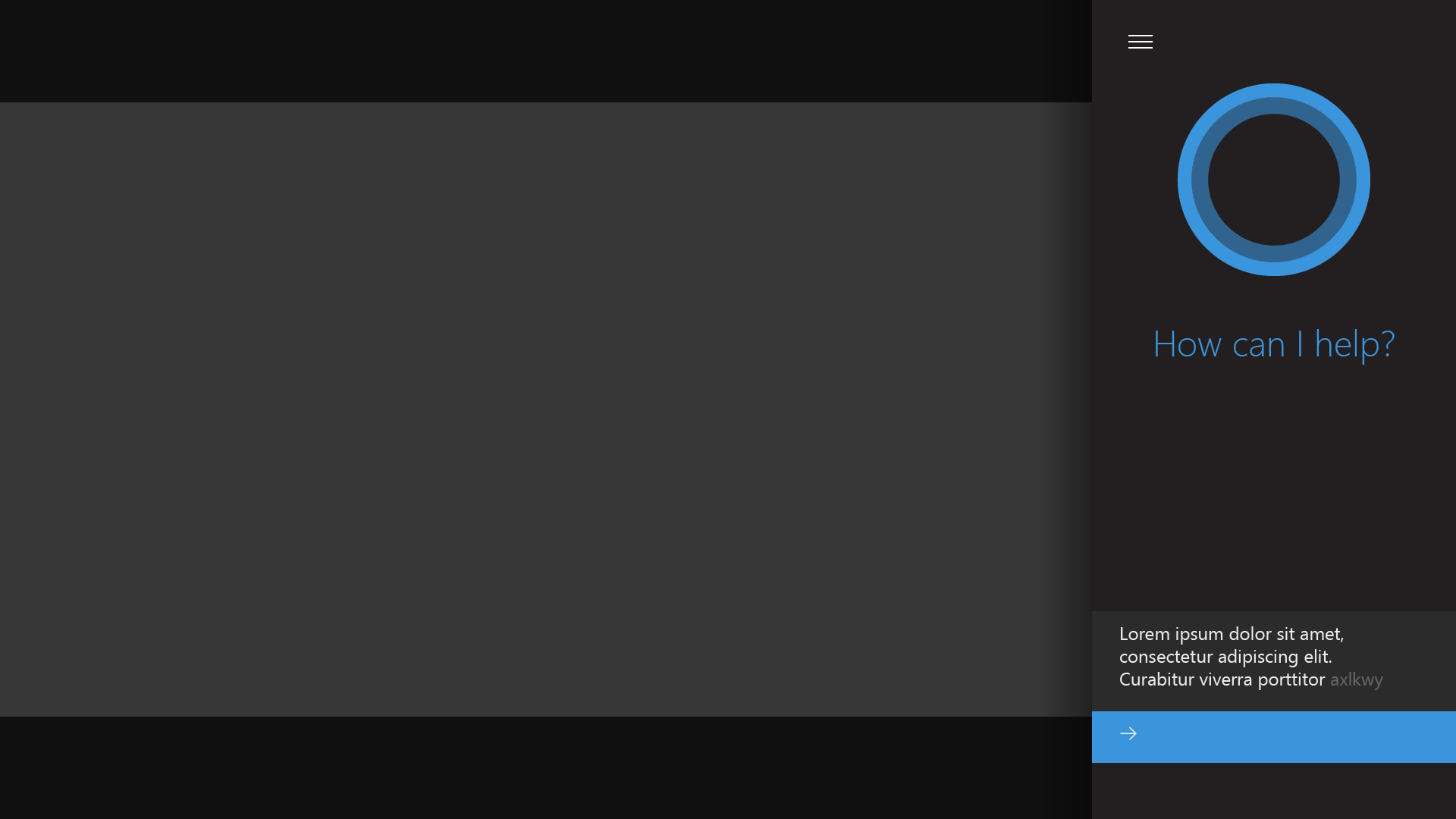
To better understand the experience, I started building a prototype in WPF. Speech recognition was handled using Bing speech API. The conversation flows were scripted, with some flexibility for natural understanding. The core interactive model formed during this exploration was the three forms of Cortana: Tiny Cortana or Cortini (a small, non-controller-interactive, assistive overlay); Cortana snap app (a secondary experience that provides content space and controller interactivity); Cortana full screen app (an immersive experience). She transforms automatically based on both the conversation (e.g. needing simple confirmation vs. list of search results) and the context (e.g. playing a game vs. idling in home).
The prototype stirred huge interests from the senior management. Cortana was listed as one of the user stories in the upcoming dashboard refresh, and rescheduled to 2015 from 2017. We were left a small window to complete the design.
Cortana was an universal Windows app that could execute on Xbox. Its current experience was built upon extensive user research and data analysis, so the Cortana team rightfully had strong convictions about how it should be. The areas where it needed much work were:
- Cortana was treated as a destination on phone and desktop, where taking navigation focus from the user was either non-existent or not a big issue.
- Unlike on phone and desktop, app navigation on Xbox could be destructive due to its aggressive resource allocation policies. False positives are potentially much more frustrating.
- Xbox had its own social network and content delivery system, which was not yet supported by the Cortana service.
- Xbox had its own speech system. Cortana taking over meant that she had to inherit, outperform and re-train the user from the legacy speech model.
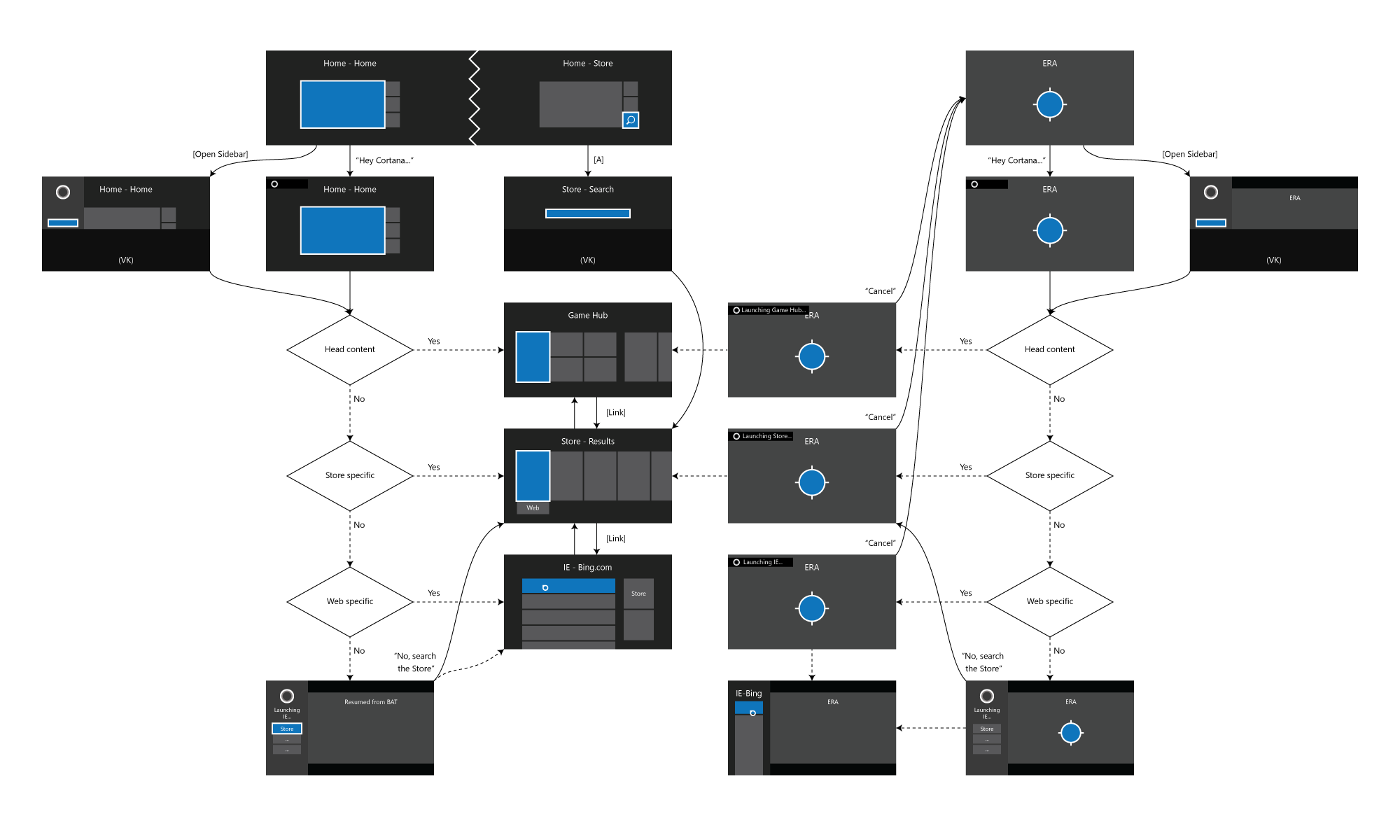
Starting November, 2014 the Xbox Shell Speech team worked closely with designers and engineers from Windows and the Cortana service team. We listed every flow that we’d like to cover. I wireframed every state of each flow. They would push back based on technical constraints or experience inconsistencies with Cortana on other platforms.
In May, 2015 the launch plan was signed off. From the design side I brought in content publishing, visual and motion to finalize the appearance of Cortana. The feature underwent several delays due to strategic planning. It rolled out to beta users in December, 2015 and is now scheduled for release in mid 2016.